Troubleshooting and questions Your data and help
The common refusals and surprises, each with what to change: a refused file, a figure that says not assessed, an invitation that never arrived, a card that was refused, a locked account, and where to write.
A file is refused at upload
The message on the upload's page says why. The four reasons, and what to do:
| Message | What to do |
|---|---|
| The file is larger than your plan allows | Split the file by month, or move to a larger plan on the billing page. |
| The file could not be read as a CSV with a header row | Export it again as CSV with the column names on the first line. A spreadsheet saved as XLS, or a file without the header line, is refused. |
| A mandatory column is missing | The Uploads article lists the mandatory columns per file; a column under another name can be matched at the review step, but it must exist. |
| This file was already uploaded | The same file is never imported twice. To replace a month, delete the earlier upload, then upload the new file. |
Rows were rejected or set aside
The data-quality findings of the upload say which rows and why: an empty mandatory field, a date that does not match the format, a value the reports cannot measure. The rows are counted and listed with their line numbers; correct the file at its source if the count surprises you, delete the upload and upload the corrected file.
A figure says "not assessed" or "indicative"
Not a fault: a group with fewer than 100 records in the period is not judged, and a share from fewer than 1,000 records is marked indicative. Choose a longer period, a quarter or a year, and the group is judged on more records. The reports article explains the key.
My own calculation gives a different share
The preparation under each table lists what was set aside before measuring: duplicates, invalid values, responses other than a single WILCO, non-intervention uplinks, outages. One of them is almost always the difference. The reports article describes each, and the Rules page names the rule and its source. If the counts agree and the share still differs, write to us with the FIR, the period and your figure.
The dashboard shows nothing for a period
The tiles show figures only for a period with data. Move to the previous period, choose a longer one, or upload the file of that month. The Reporting coverage tile says which months of the period hold records.
An invitation never arrived
Ask the person to check their spam folder. Otherwise revoke the invitation on the Users page and send it again: each link works once and expires after 7 days. An address that already has a login in another organisation cannot be invited.
I cannot sign in
- Forgotten password: Forgot your password? on the sign-in page sends a reset link.
- Lost authenticator app: use one of your recovery codes at the two-factor step, then set up the app again on your account page. Without the codes, your Admin writes to us and we verify who you are.
- Unconfirmed email address: the page after sign-in offers to send the confirmation link again.
- Disabled user: your Admin disabled your account; they can enable it again on the Users page.
The account is locked
A page saying that the subscription has ended because a payment is overdue means the grace period ran out. An Admin lifts the lock from the billing page: a card customer replaces or confirms the card, an invoice customer pays and sends the receipt through the contact page. Everything is in place for six months after the lock; see Billing.
The card was refused
The billing page shows the bank's message. Replace the card on the card page, or confirm the payment if your bank asked for it; the next retry uses the new card. If the card form does not open at all, the page says so and support arranges the payment with you.
A FIR is missing, or must change
Our catalogue may lack a FIR: write to us through the contact page with its name, ICAO code and country, and we add it. A chosen FIR is locked; to replace one, write to us too.
Where to write
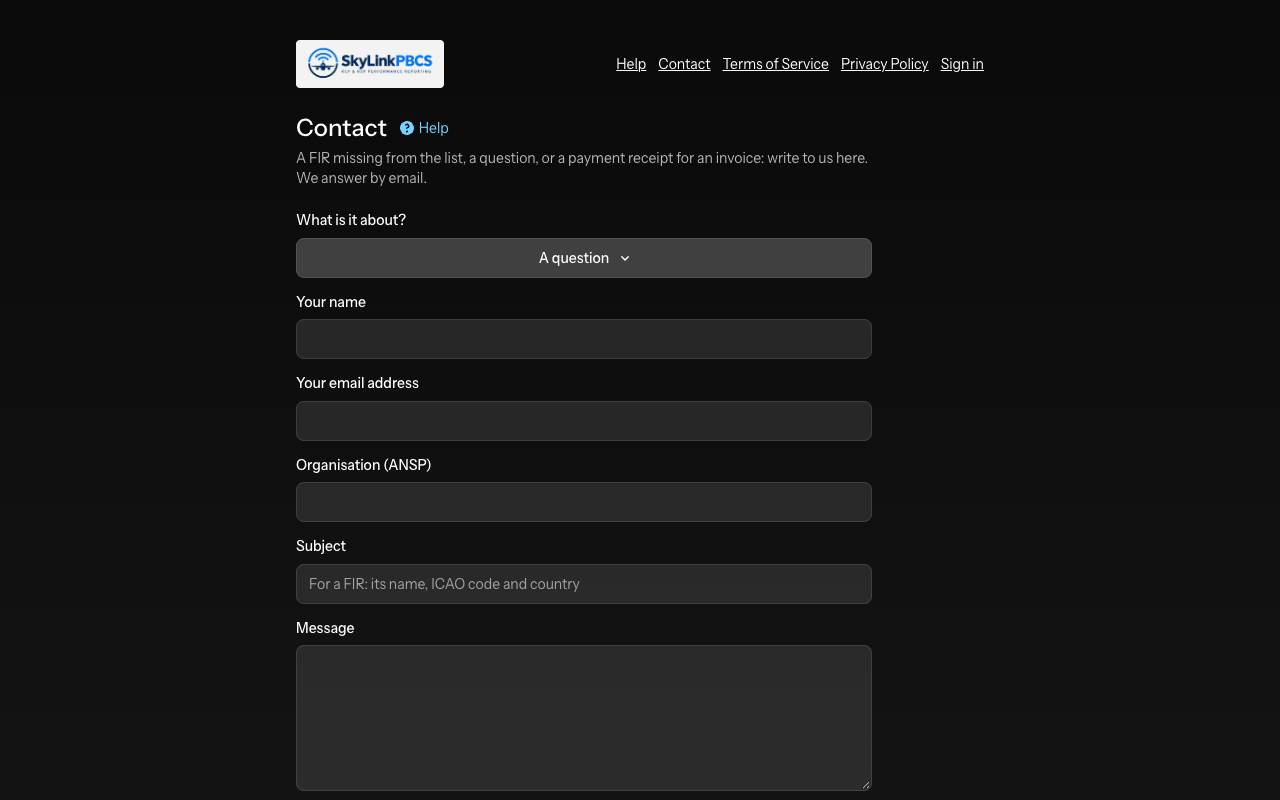
The contact page reaches us for a question, a missing FIR or a payment receipt, with an attachment if needed; signed in, your message carries your organisation. We answer by email at the address of your account. For anything about personal data, support@skylinkpbcs.com, as the privacy policy says.
Not answered here? Write to us.