
Billing
Plans and billing periods, paying by card or by invoice, the free month, invoices and reminders, grace periods and the lock, changing plan, and cancelling: what is deleted and when.
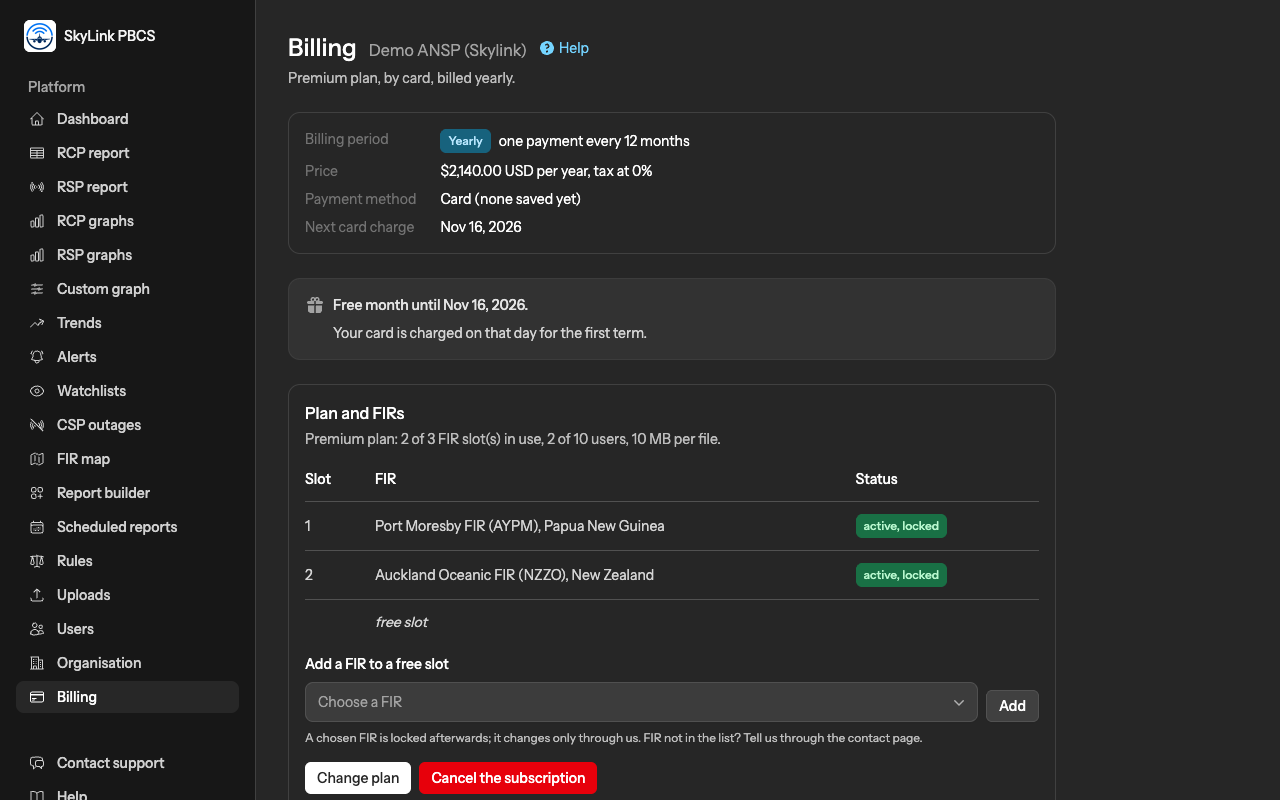
The Billing page, for Admins, shows your plan, how and how often you pay, the next payment, your FIR slots, your card or your invoice details, and every invoice. An Editor can read it. Prices are on the home page; nothing on this page changes them.
Plans and billing periods
Three plans differ in the number of FIRs, the number of users and the size of a file: Standard, one FIR, three users, files up to 5 MB; Premium, three FIRs, ten users, 10 MB; VIP, ten FIRs, forty users, 50 MB. Every plan includes every page of the service.
You pay either by card, monthly or yearly, or by invoice, every six months or yearly. The billing page states which, in words, so that there is no doubt: "Yearly, one payment every 12 months", with the price per term and the date of the next payment.
The free month
The first month after registration is free for every plan, with everything the plan includes. A card customer's card is saved at registration and charged for the first term on the day the month ends. An invoice customer receives its first invoice 30 days before the month ends and must pay it by that day; an unpaid first invoice locks the account at once.
Paying by card
The card is saved with Stripe, which keeps the details; we see the brand and the last four digits only. It is charged on the day a term is due, and the billing page lists every charge. Add a card or Replace the card on the card page, which the billing page links to. If your bank asks you to confirm a payment, the billing page says so and the card page has a Confirm the payment button; your access continues meanwhile.
If a charge fails, we retry on the following days and email every user of your organisation each time: on days 3, 7 and 12 for a monthly subscription, on days 3, 7, 14, 21 and 28 for a yearly one. Replacing the card is enough: the next retry uses it, and a successful charge lifts everything at once.
Paying by invoice
An invoice customer enters the details that go on its invoices at registration and can change them on the Organisation page. We issue a PDF invoice 30 days before each term begins and email it to every user; the billing page lists every invoice with its due date and status, and holds the bank details for the transfer. Pay by bank transfer in US dollars quoting the invoice number, then send us the receipt through the contact page; access returns, or stays, as soon as we record the payment. Reminders go out every 7 days for a six-month term and every 14 days for a yearly one while an invoice is unpaid.
Late payment: the grace period and the lock
When a renewal is not paid on its day, the account stays open for a grace period: 14 days for a monthly card subscription, one month for a yearly card subscription or a six-month invoice subscription, two months for a yearly invoice subscription. The billing page says "Payment overdue" with the date the grace period ends. When it ends unpaid, the account is locked: every page except billing and the contact page is closed, for every user. Your data is kept for six months under the lock, with four weekly warnings during the sixth month, and is then deleted.
To lift the lock, a card customer replaces or confirms its card; an invoice customer pays and sends the receipt. A recorded payment or a successful charge reopens the account at once.
Changing plan
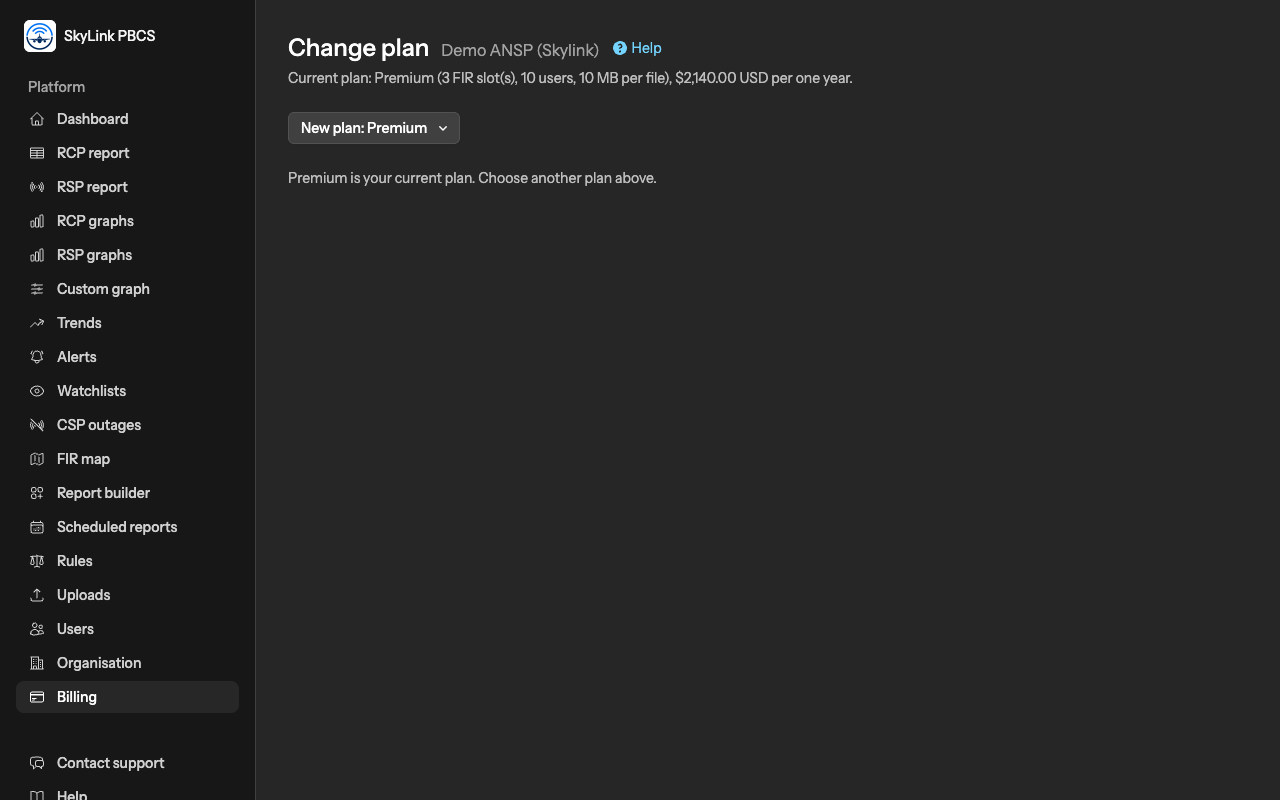
Change plan on the billing page offers the other plans.
- During the free month a change applies at once; an invoice customer's first invoice is issued again for the new plan.
- A card customer's change applies at once: the price difference for the remaining days of the term is charged now for an upgrade, or kept as a credit against the next charge for a downgrade.
- An invoice customer's change applies at the next renewal: the renewal invoice carries the new plan, and the FIRs and users change when it is paid. Until then the billing page shows the pending change, which can be withdrawn.
- A downgrade asks which FIRs to archive and which users to disable, within the new plan's limits. An archived FIR keeps its slot and its data; nothing is deleted. An upgrade can add FIRs, restore archived ones and enable users again.
A chosen FIR stays locked; a free slot is filled from the billing page; a change of FIR goes through us.
Cancelling
Cancel the subscription asks for your password and shows what happens: you keep using the service until the last day you have paid for, the free month or the paid term, and on that day every file, every row and every report of your organisation is deleted permanently, as the Your data article explains. Until that day the billing page offers Keep the subscription, which withdraws the cancellation.
Fees already paid are not refunded, except in extreme cases; write to us through the contact page.
Not answered here? Write to us.